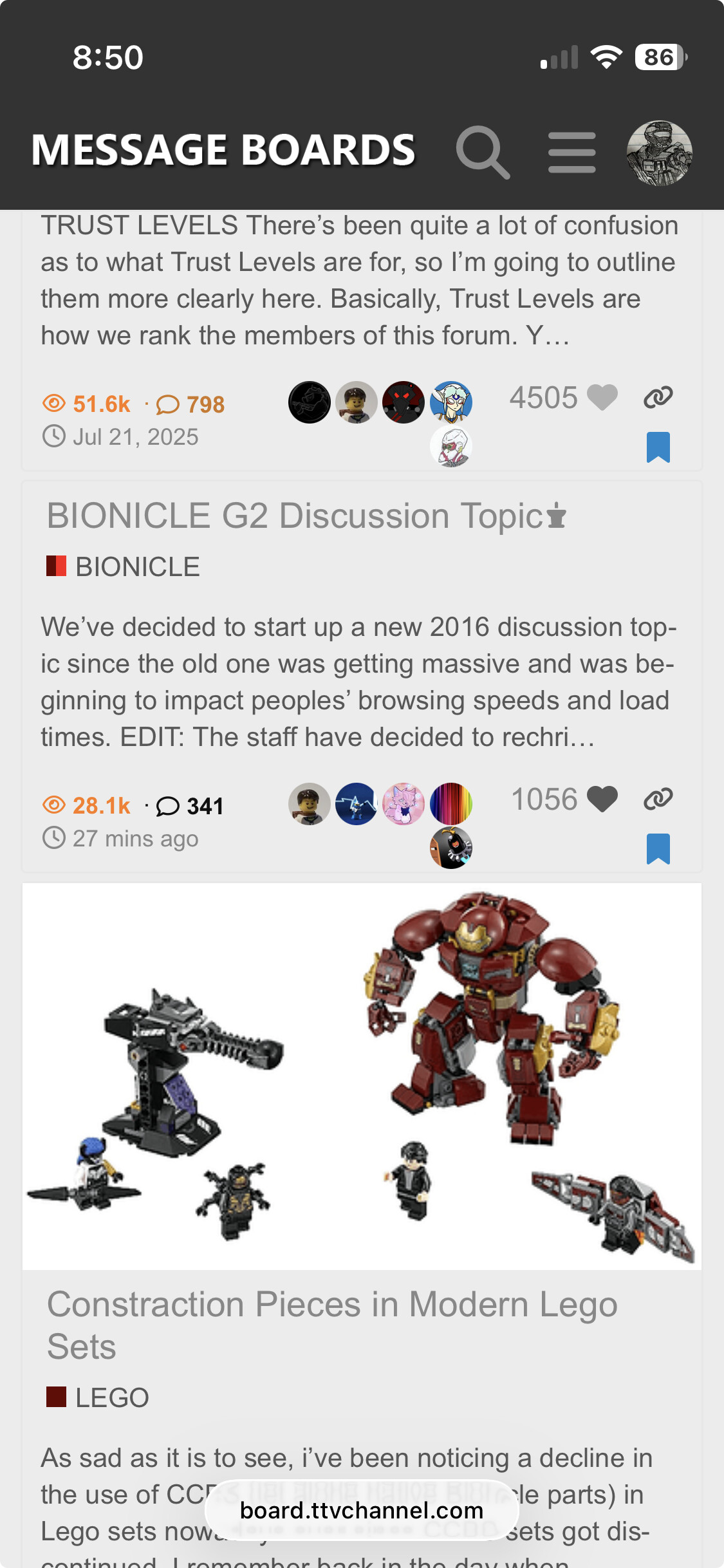
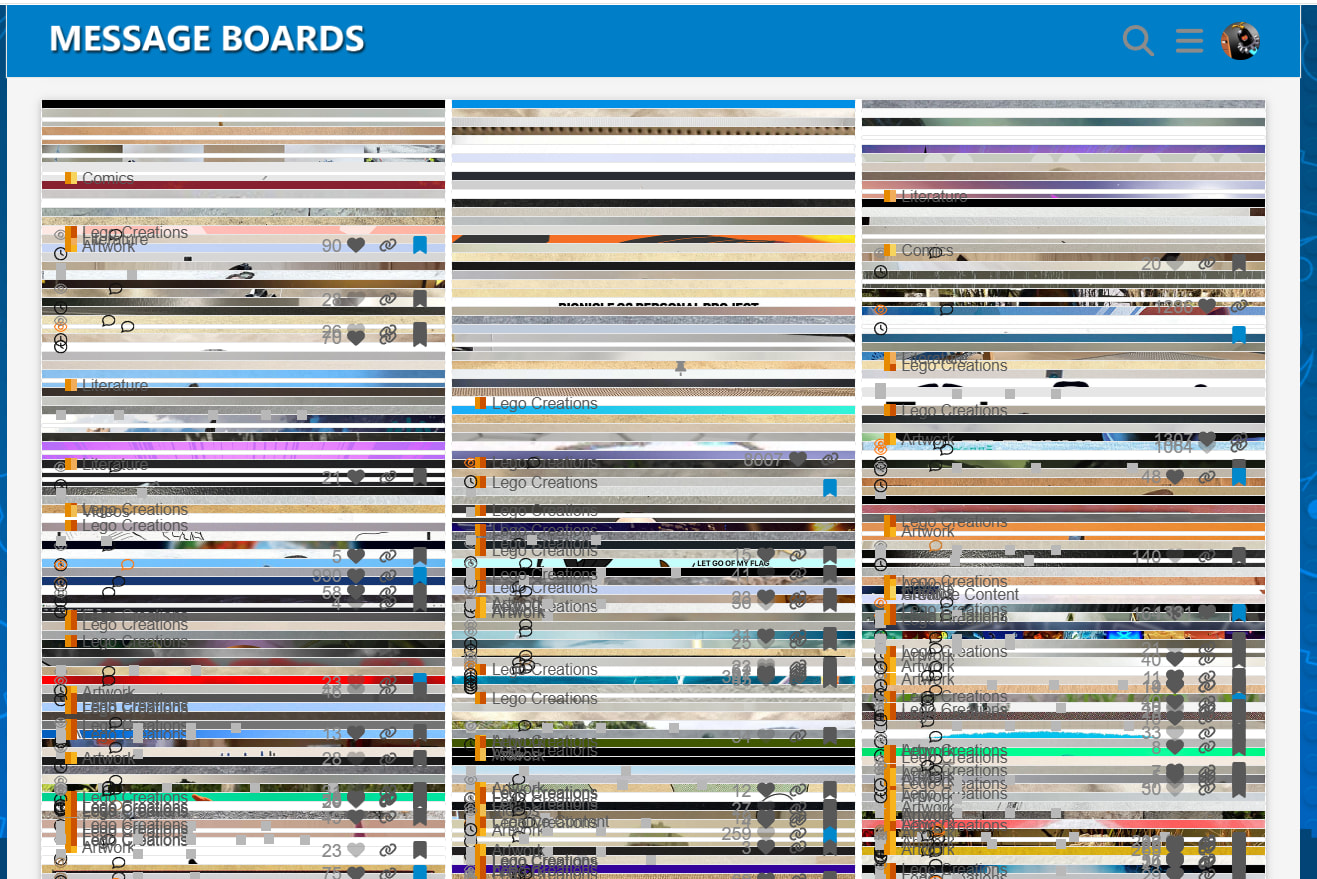
I would’ve complained about this in the site updates category but there wasn’t a relevant topic to do it in
So, there’s a nice thing about the most recent update that just took effect today as of the time I’m typing this: being able to choose what kind of line break you want. I’ll have to format some of my written works to accommodate and take advantage of it.
I’m not sure what level of agency the TTV staff has over what updates do and don’t get applied to the site, especially considering they’re on the other end of a pretty scalp-y forum hosting deal and they gotta live with the cards they’re dealt. But if there’s any way to tailor these updates to not actively make the site worse every time they appear, that would be fantastic.
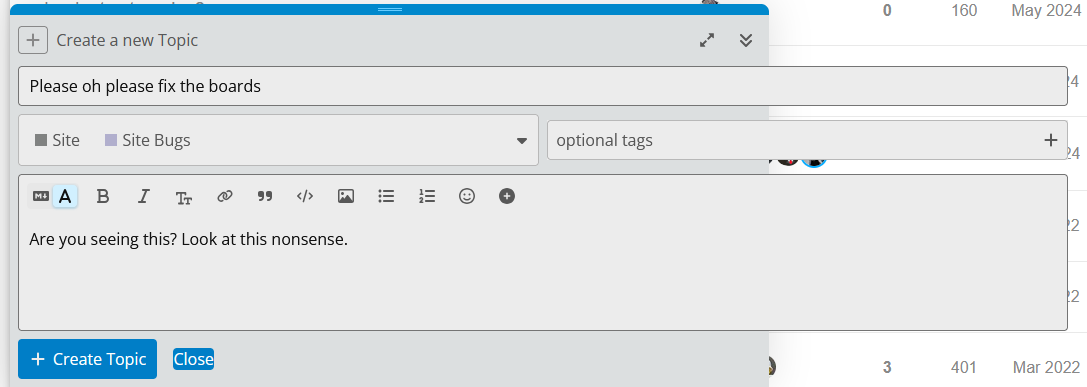
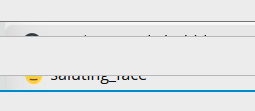
Oh yeah the emoji box now shows up behind the new post/topic box
I use another message board website with this same layout/base code, and it does not have this text box issue that’s currently affecting the TTV Boards.
If you thought it was bad on the normal colors and wallpaper, I still use the legacy website colors and wallpaper on my end. It’s kept the website broken for a while, but I just prefer how it looks.
Please make it so that Apple emojis get converted to Boards emojis. I can’t use them because the built-in autocorrect gives me the “body unclear” error if I try using them.
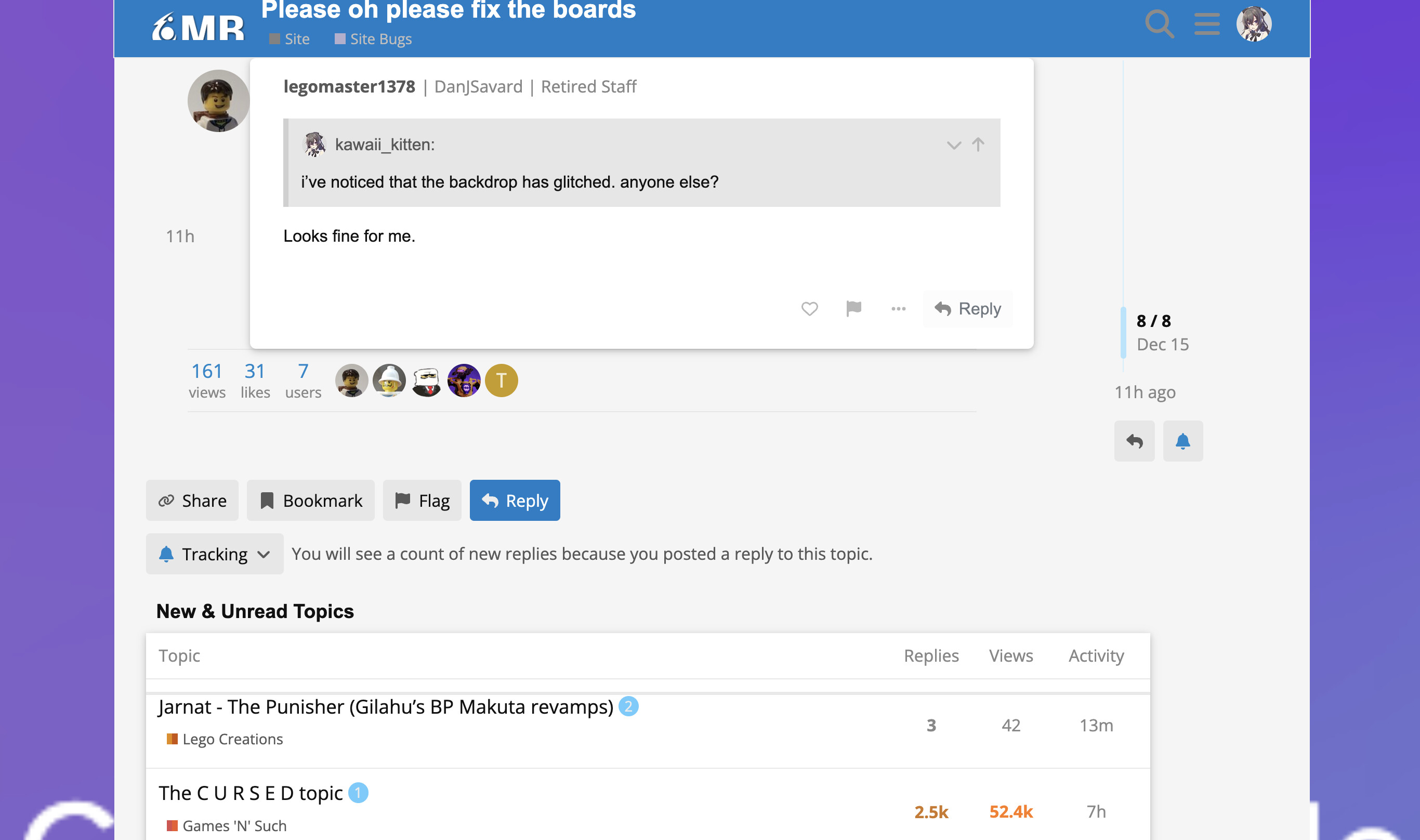
Oh… now that I’ve never seen before in the past 10+ years that I’ve been on the Boards. It looks to me like some sort of placeholder-image is being thrown up instead of the site’s default background graphic that looks like this:
@kawaii_kitten Would you be able grab a larger screenshot (that’s less cropped) so that we can see what that white text being displayed on the purple background is? That might help get to the bottom of the issue.
I think the Boards as a whole need some more life injected into them, whether that be through preserving the site from the ever-decaying site updates that make things notably worse or the lack of draw for new users. but especially that first one
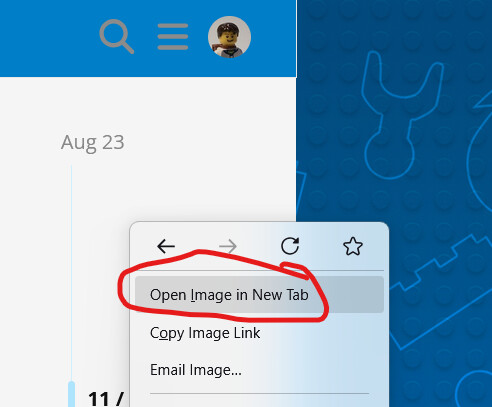
On a more related note, it definitely looks like an error message is being thrown up, but is being hidden by the main “content” portion of the site. If you’re on desktop, could you please try saving the background image being displayed and uploading it here to this topic so that we can have a look at it? If you’re unsure how to do this, on Windows it’s just a matter of right-clicking with your mouse and selecting the option that says something like this (the exact text being displayed may depend on the specific browser/operating system you’re currently using)
Huh… yeah, to my knowledge, nothing like this ever happened back when I was a Mod on the Boards. A lot has changed in the past 10 or so years, that’s for sure…
Someone needs to tell the hoster that shoving all these buttons and images onto each topic’s menu listing both looks awful and makes it really hard to tell which topic images belong to. It needs either a topic border or to just not display topic header images.