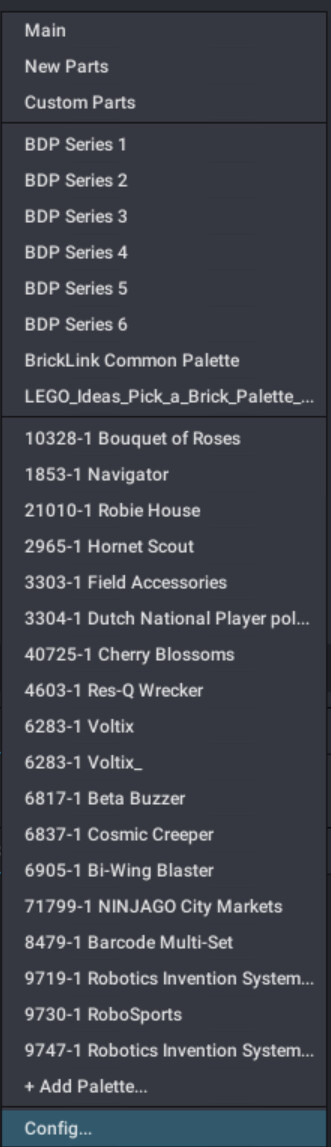
At the bottom on the list of palettes, click Config:
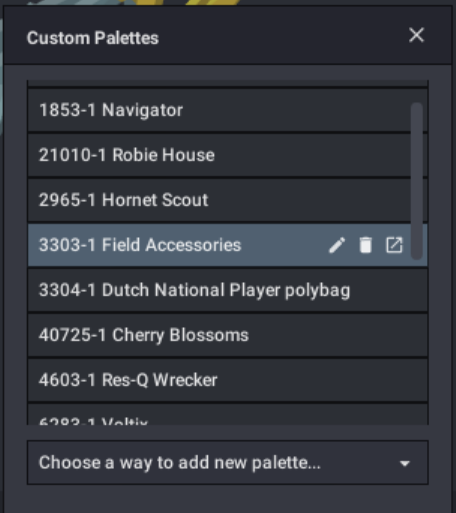
This will open a list of palettes in the middle of your screen. Simply hover over the list you want to delete, and click the trash icon:
(Note that you can’t delete the palette you’re currently in)
At your request, I’ve added a marbled version of an existing part part to my “parts pack”:
I’ve accumulated a handful of custom parts in stud.io over the last few months as I’ve replicated what missing pieces I could from stud.io , and I figured I’d share them here for anyone who wants them.
I’m not really a 3d-modeller (not this type of modelling, at least), so any custom parts I make are modified from existing stud.io models. As a result, this isn’t anything crazy; it’s just a handful of old elastics, the infected Hau, and the marbled HF brain with GITD eyes (so far. I’m sure I’ll add more later). I’m sure someone out there has already made these, but I couldn’t find them anywhere.
[Parts Pack Initial Render]
Link:
https://drive.google.com/drive/folders/1Jw3N2Wx4yDWkXAN3AdFiCVYN87Cj7UfU?usp=sharing
(Part 98588pb01)
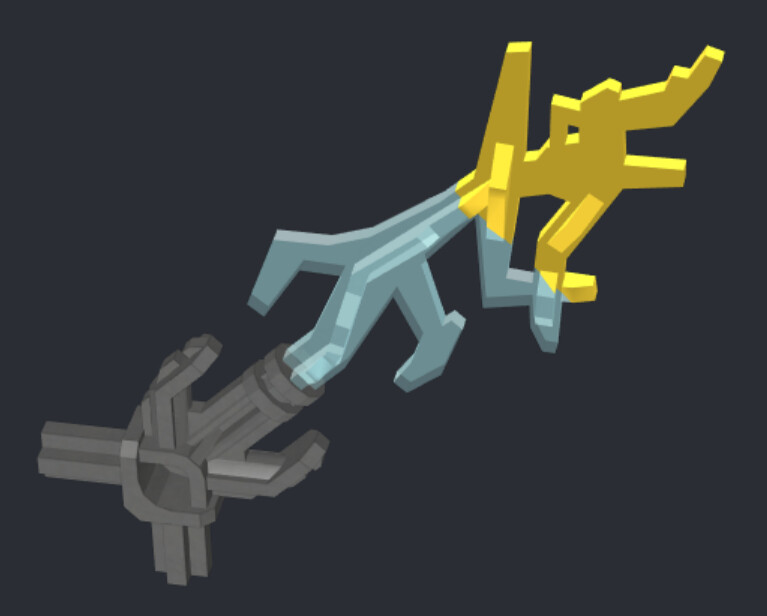
I need to be clear that I DID NOT model this part. All I did was add colour to a colourless lightning part that was created by an unknown modeller and used in the Voltix model in the DCC:
[DCC Cover]
The Digital Constraction Collection (previously the Bionicle Database of Studio Models) is a single resource containing Studio models for Bionicle and other Constraction-related themes including:
Hero Factory
Slizers & Roboriders
Exo-Force
Other CCBS themes
These files are freely available. My hope is that this resource can be:
A useful reference for fans who want to identify how models are built, and to easily create parts lists for uploading into Bricklink
A springboard for other creative projects, be it artwork, animation, or your own MOCs/revamps!
https://drive.google.com/drive/folders/1IJyAHHGeeMkKCyhR39vl42MGvrDsQPxV?usp=sharing
-MAJOR UPDATE AUGUST 2022-
I’m really excited to announce that this project has reached a significant milestone: We now have every stan…
2 Likes